
Every part of the working day
From the first clocking.
To the final payslip.
The site, the people and the office, working from the same records. Explore what Werkwys brings together.
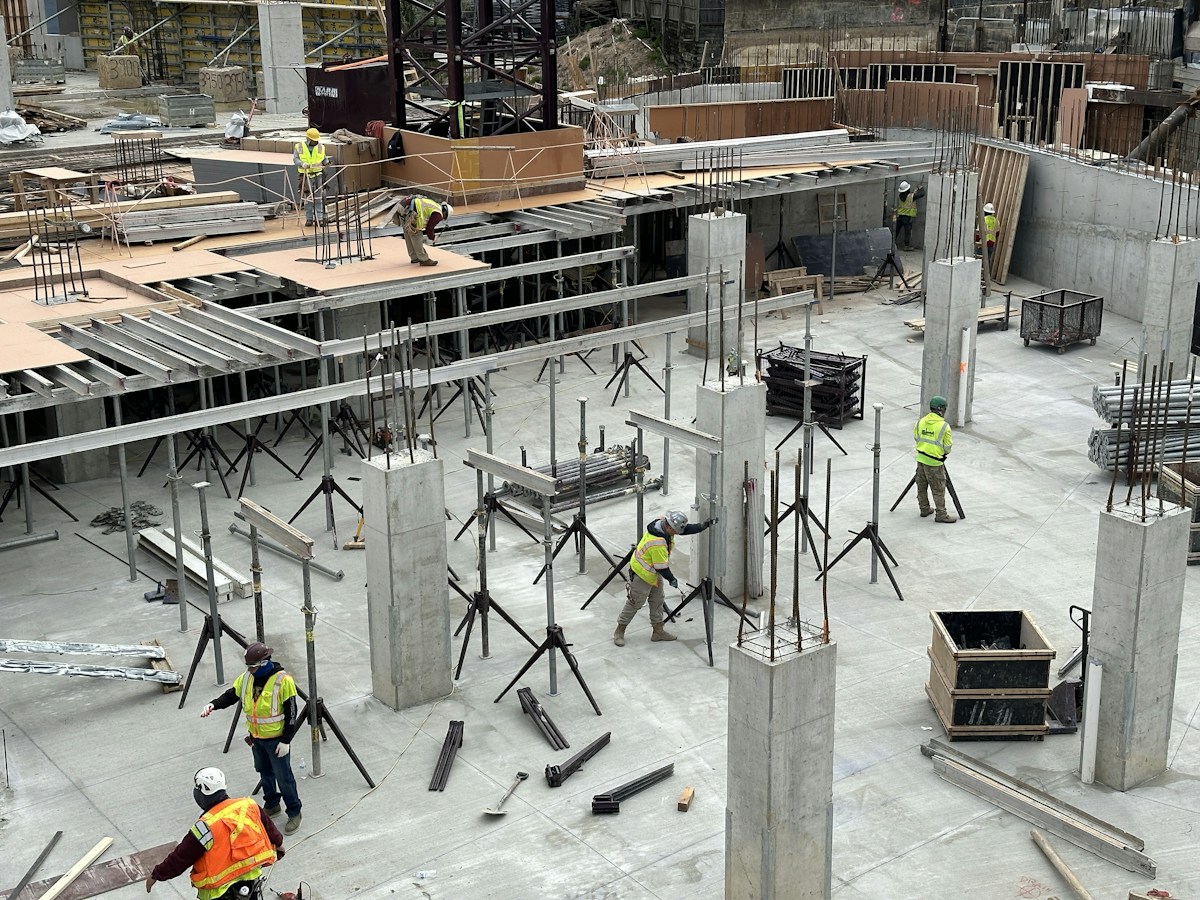
The work on site. The detail in the office. Connected.
Attendance
The working day starts with a clear record.
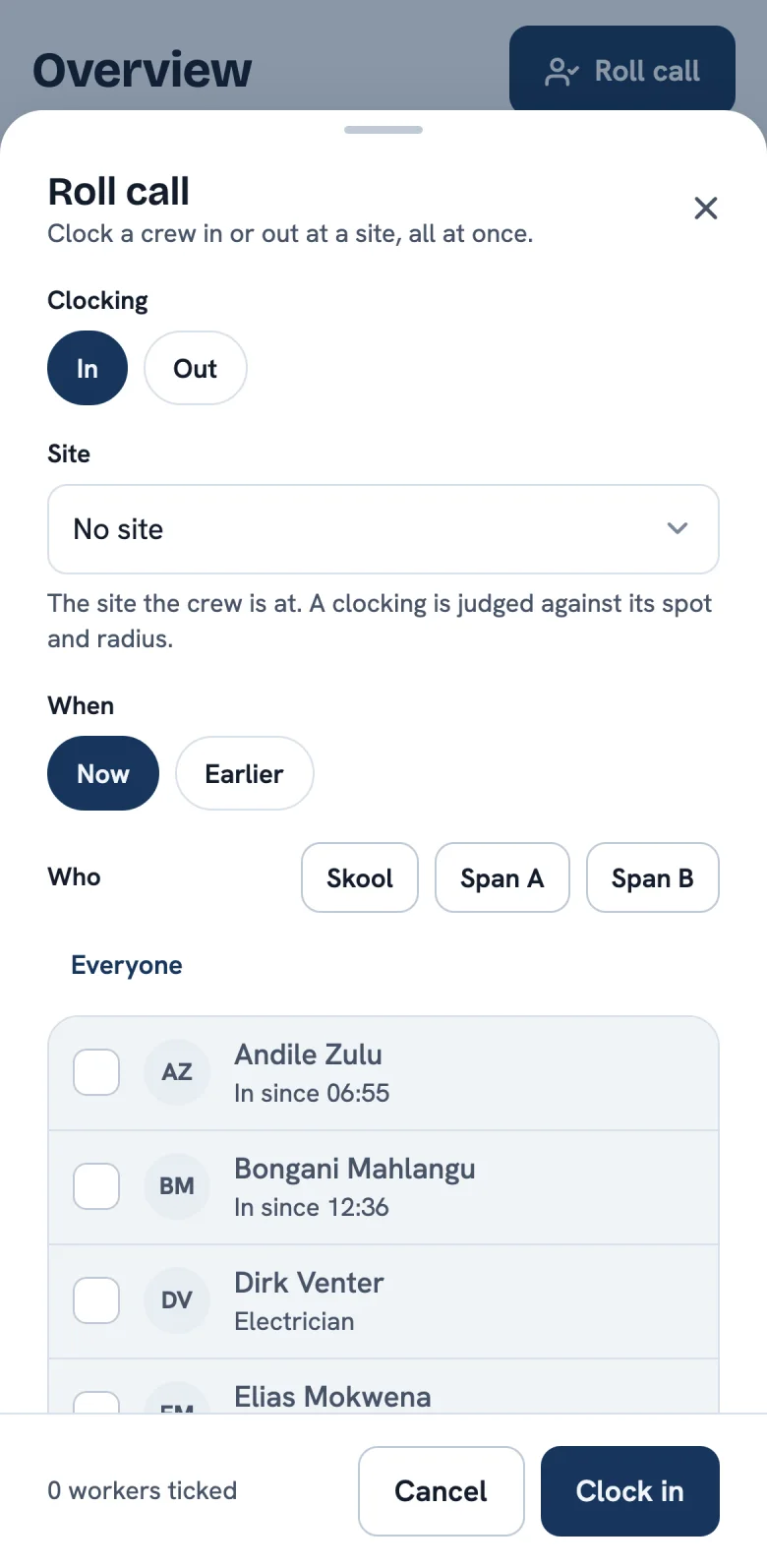
See who clocked in, at which site, and how. Review the roll call and draft timesheets from the clockings, with the detail there when you need it.
- The roll call
- Clock a crew in or out at a site, or review clockings from workers’ phones and connected time clocks.
- The detail behind the day
- See the time, how the clocking was made and its recorded location. Keep attendance questions visible for review.
Hours & approval
The week’s hours. Ready to check.
A week at a glance, with each worker’s hours and premium time clearly marked. Open a day to see the detail, then review and approve the period.
- A week you can read
- Workers and crews in one weekly view, with hours by day and premium time marked.
- Check, then approve
- Open a day to see its entries and the pay-rule breakdown before approving the period.
Work & budgets
Know what the work is costing you.
Follow each project’s labour against the budget you set. Bring its tasks, workers, weeks and other costs into one view, while the job is still under way.
- A home for the work
- Keep the client, site, tasks, labour and other costs with the project they belong to.
- Your budget, in view
- Compare recorded labour and hours with the budget you set for the job and its tasks.
People & documents
A proper record for the people doing the work.
Keep workers, crews and labour providers together. Pay details, documents and expiry dates stay with the people they belong to.
- Workers and crews
- Pay rates, grades, labour providers, contact details and bank accounts stay with each worker’s record.
- Documents that need attention
- See what is due to expire, with documents linked to a worker, project or site.
Pay & payslips
Make payday part of the same picture.
Build a pay run from the timesheets. See the ordinary, overtime, Sunday and public holiday lines, account for advances, and prepare the payroll export.
- The rules your company uses
- Keep the pay rule set and grades with the workers they apply to. See the resulting ordinary and premium lines.
- A record beyond payday
- Keep advances, payslips and the payroll export with the pay run, ready to look back on.
Reports & records
Take the numbers with you.
See labour and other costs by worker, site or project, for the period you choose. Keep the report on screen or take it into the next conversation.
- One period across the business
- This week, this month or your own dates. Keep the same period as you move between screens.
- Print or export
- Print a report, save it as PDF or export a workbook for Excel.
Before anyone is paid
The clockings and the timesheets, side by side.
Werkwys lists the days where the two disagree: paid with no clocking, clocked with no timesheet, clocked away from the site. Put each right or let it stand with a reason, then approve the period.
- Evidence stays evidence
- A clocking is never changed by a correction. The timesheet is corrected, with who changed it and why kept in the history.
- An approved period
- Approve the week once it has been looked at, so the pay run starts from hours someone has checked.
How hours become pay
Overtime worked out. The rule shown beside it.
Each week’s hours are split into ordinary, overtime, Sunday, public holiday and night hours by your company’s pay rules. A new company starts with the Basic Conditions of Employment Act’s figures, each shown beside its section.
- Yours to confirm
- A bargaining council agreement or a sectoral determination may set other hours, rates or minimums. Enter your own rule set and confirm it with your labour adviser or council.
- A rate that holds
- The rate is kept on each timesheet when it is written, so a raise does not rewrite last month.
On site, on a phone
One button.
The day, written down.
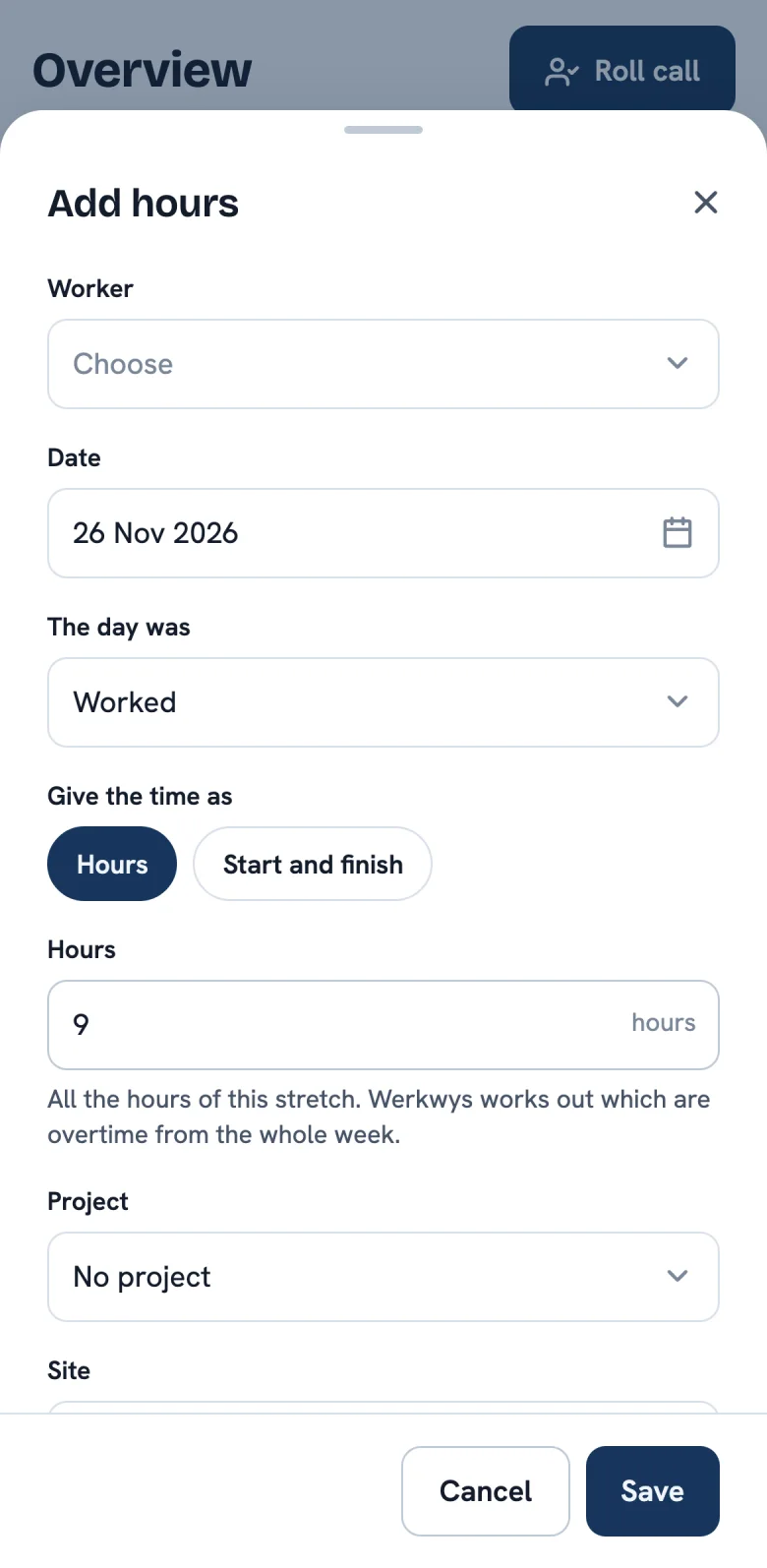
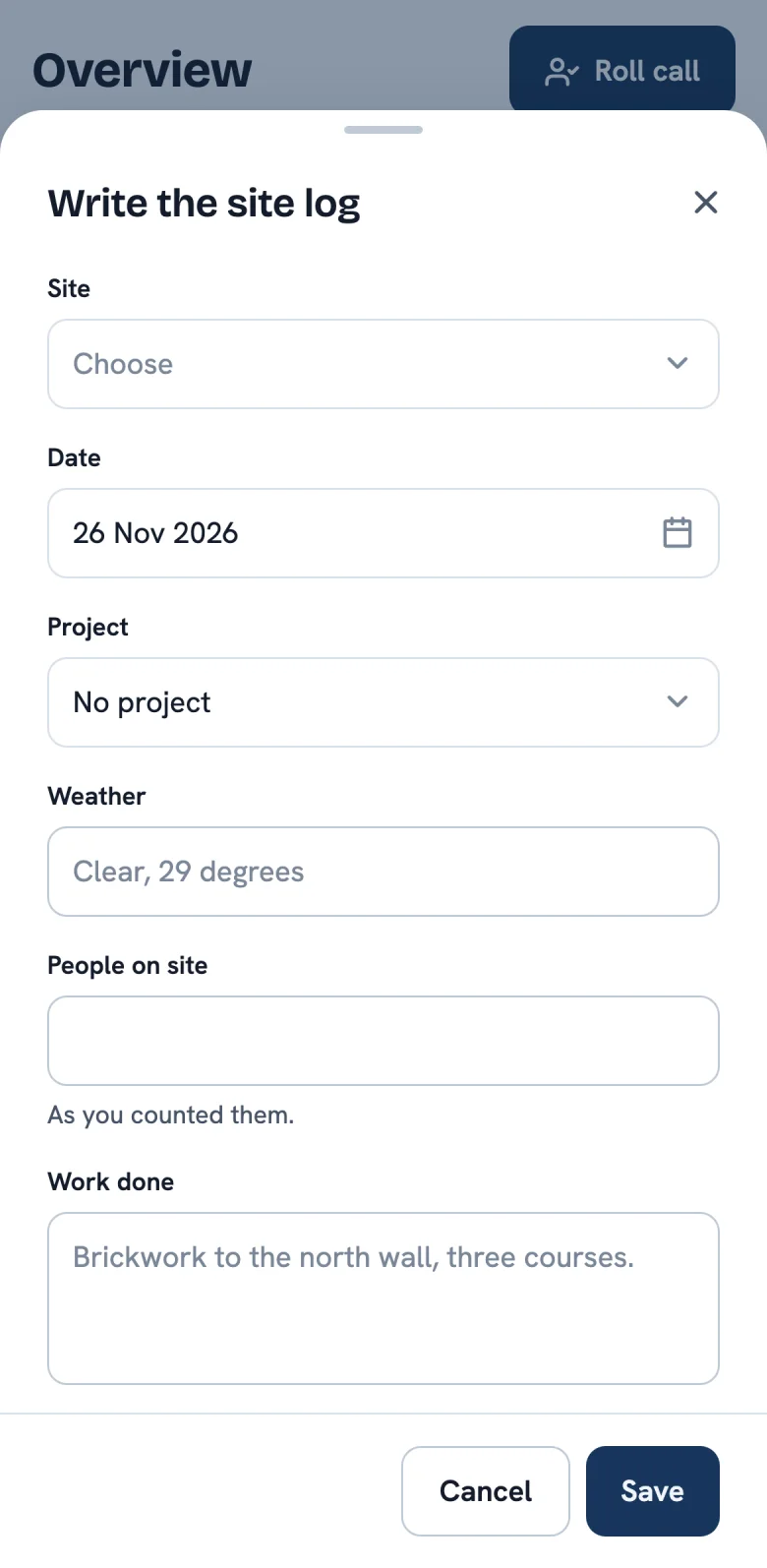
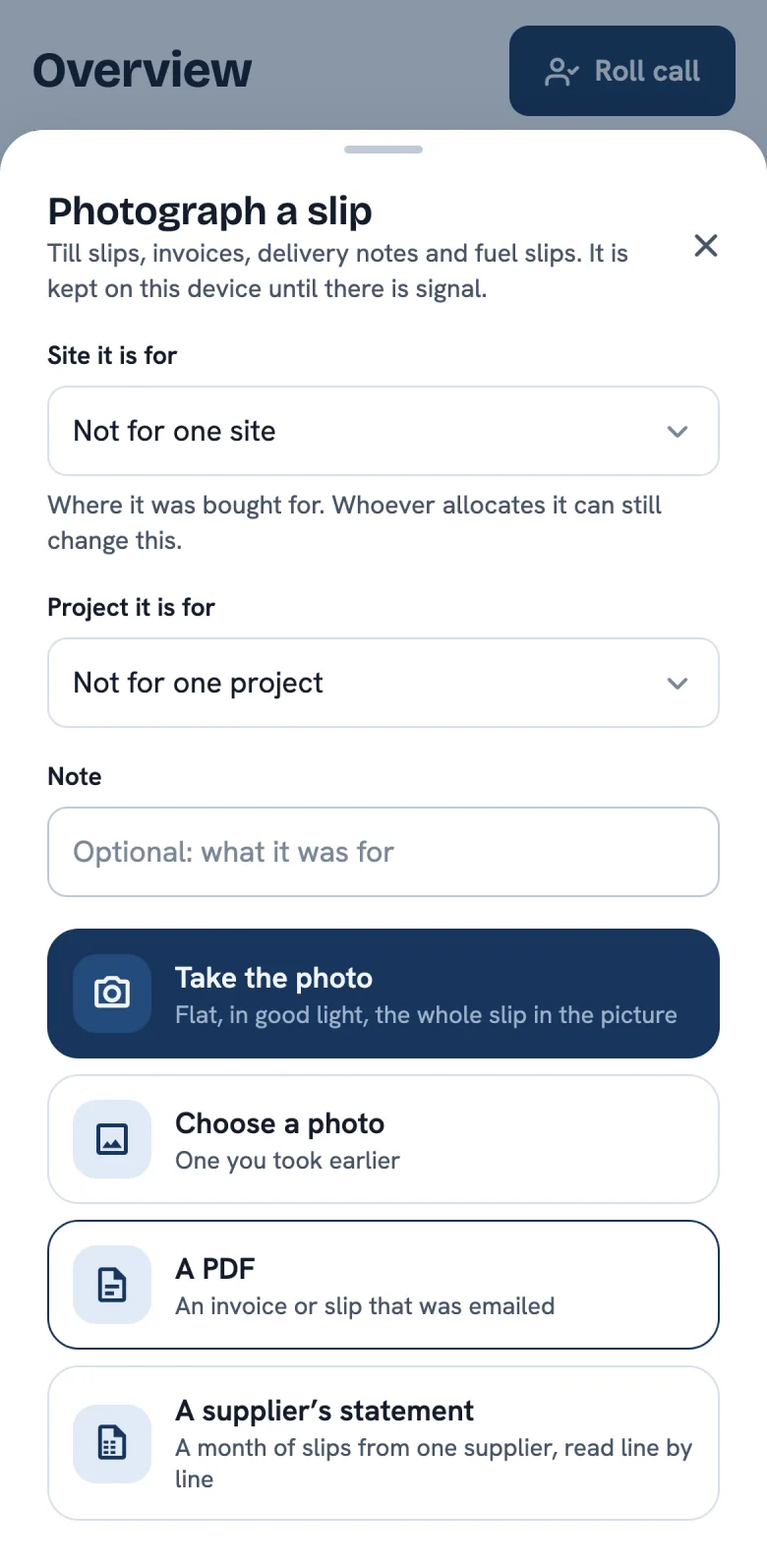
Capture is always within reach in the main app. Hours, site logs and slip photos are kept on the phone when there is no signal and sent when it returns; a roll call needs a connection.

Good work starts here
Make the next day clearer.
Try Werkwys for 30 days, with up to 15 workers and 30 slips.