
The Werkwys Worker app
A simple start.
To a working day.
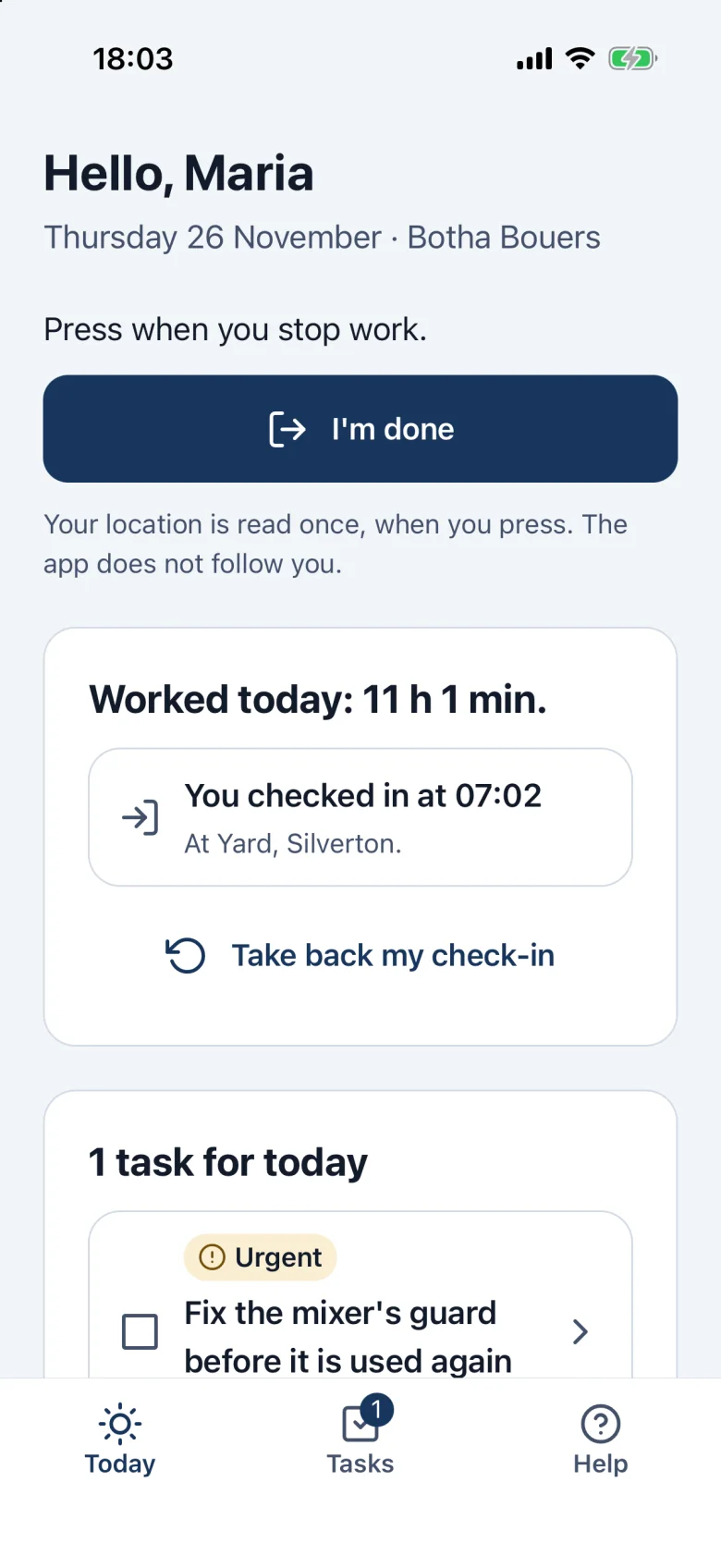
A separate app for the people on site. Clock in, clock out and see the tasks for the day, with clear words and large controls.
For Android and iOS. Ask the team about availability.
Made for the crew
Less to learn.
A clear thing to do.
The worker app keeps the everyday simple. The main Werkwys app gives the office and supervisor the fuller view.
Link the phone.
The office or foreman supplies a linking code to connect the worker’s phone to the company.
Say you are here.
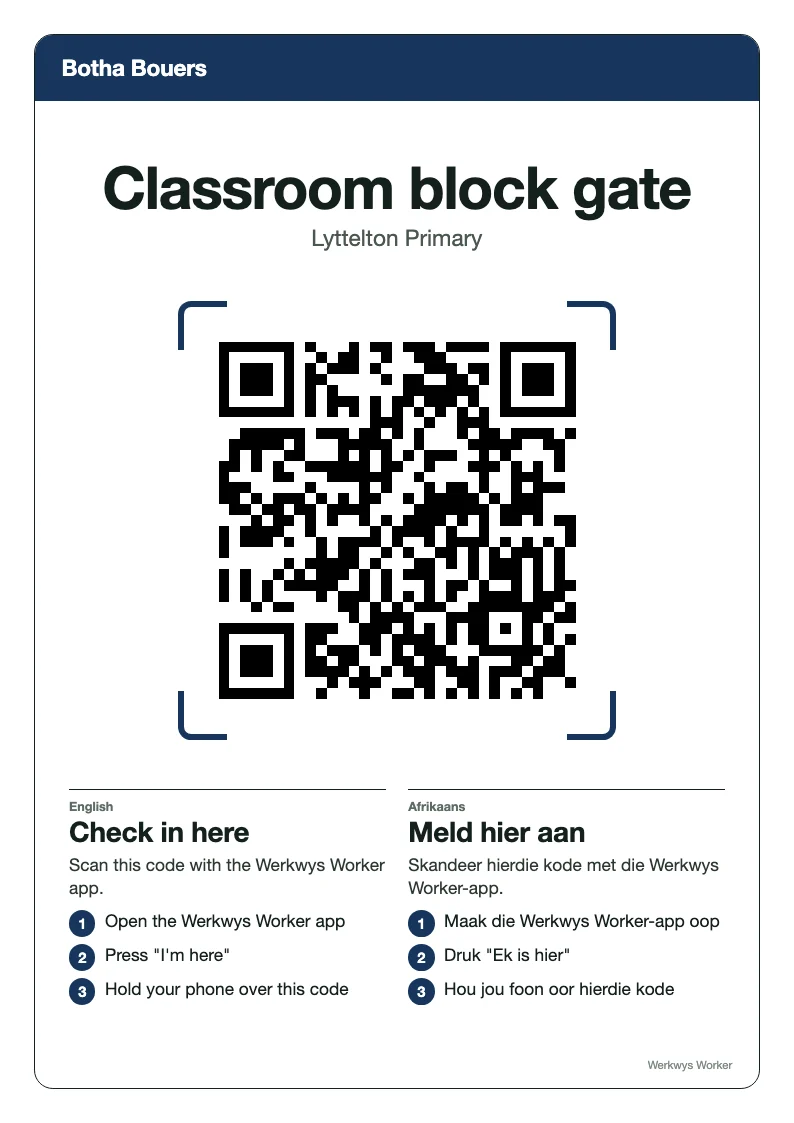
Check in when work starts and check out when it stops. Scan the site’s printed code where a check-in point is provided.
See what needs doing.
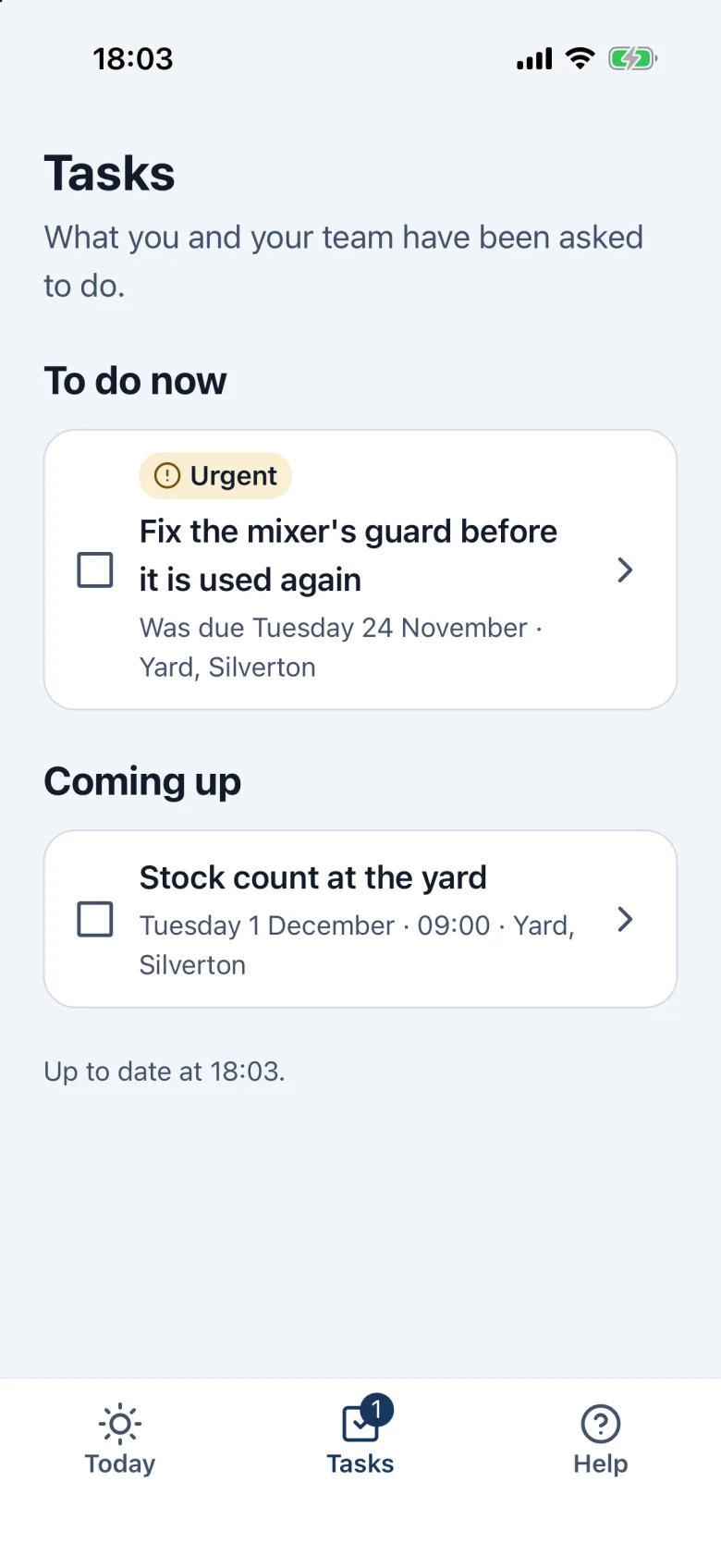
See personal and crew tasks, open the notes and mark the work done.
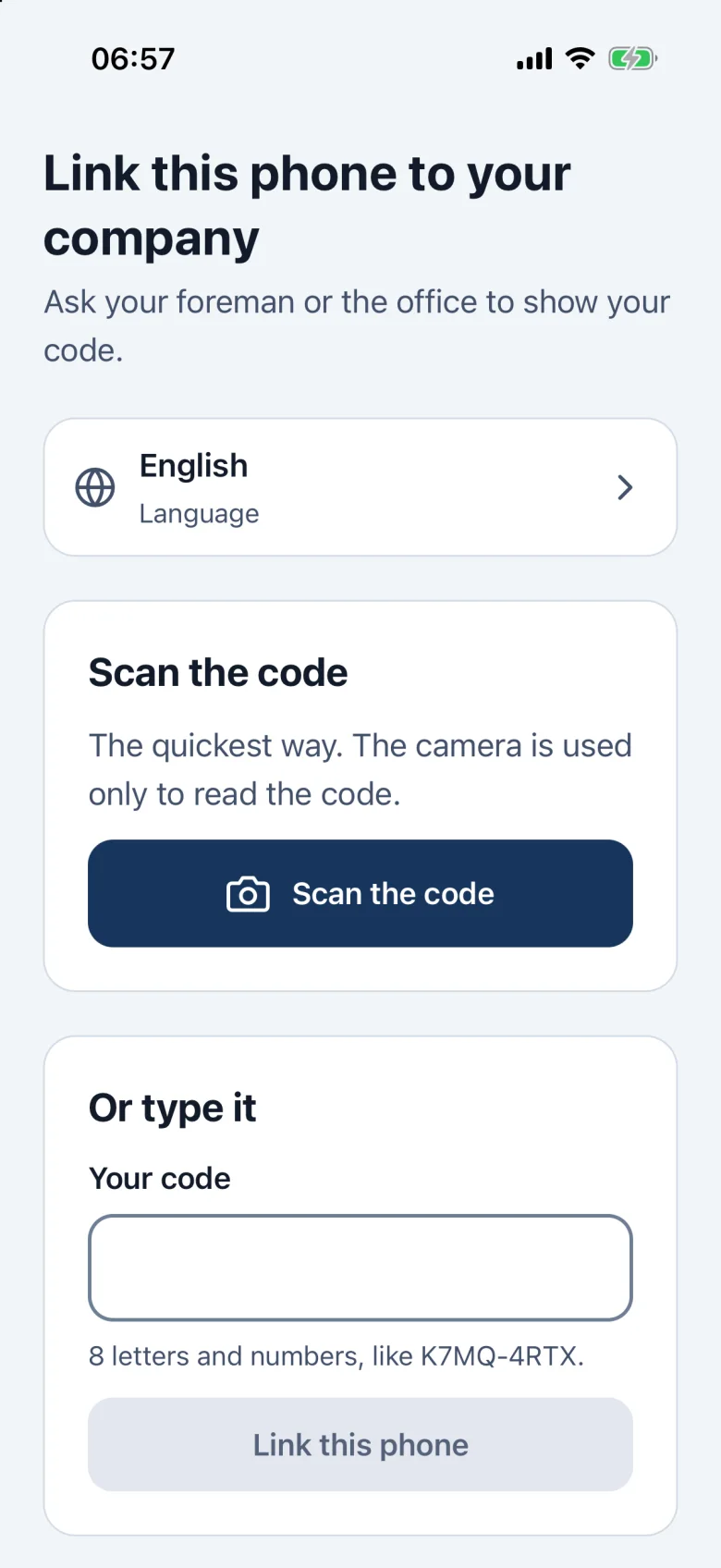
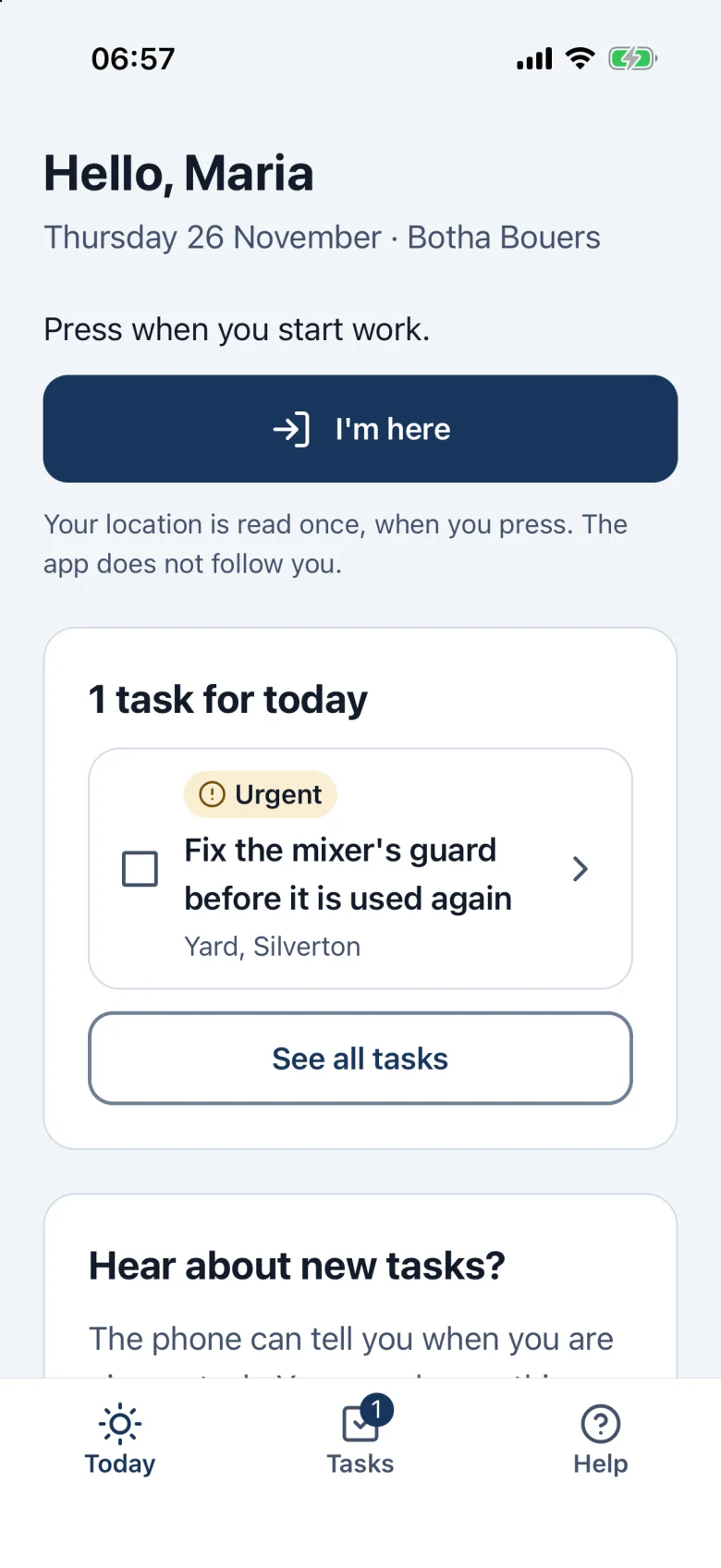
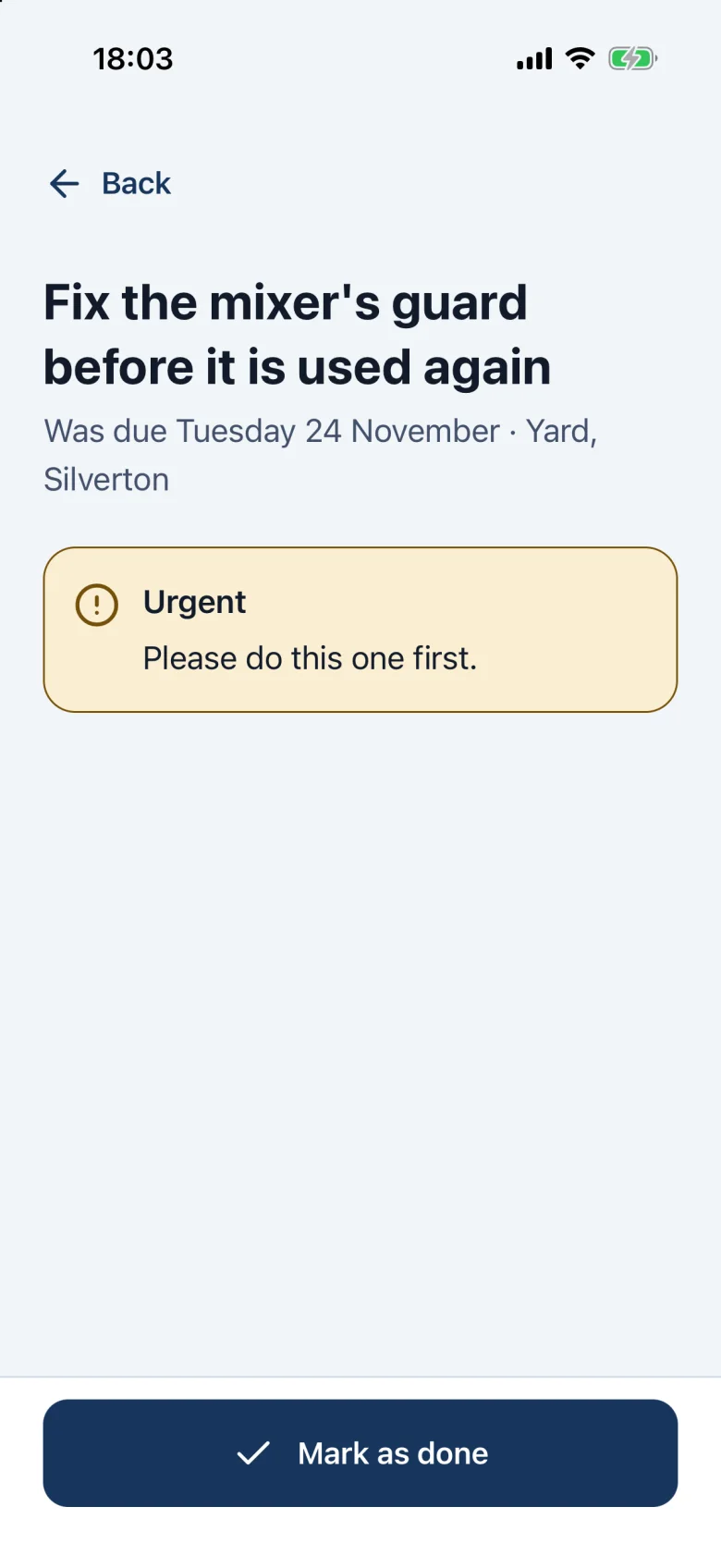
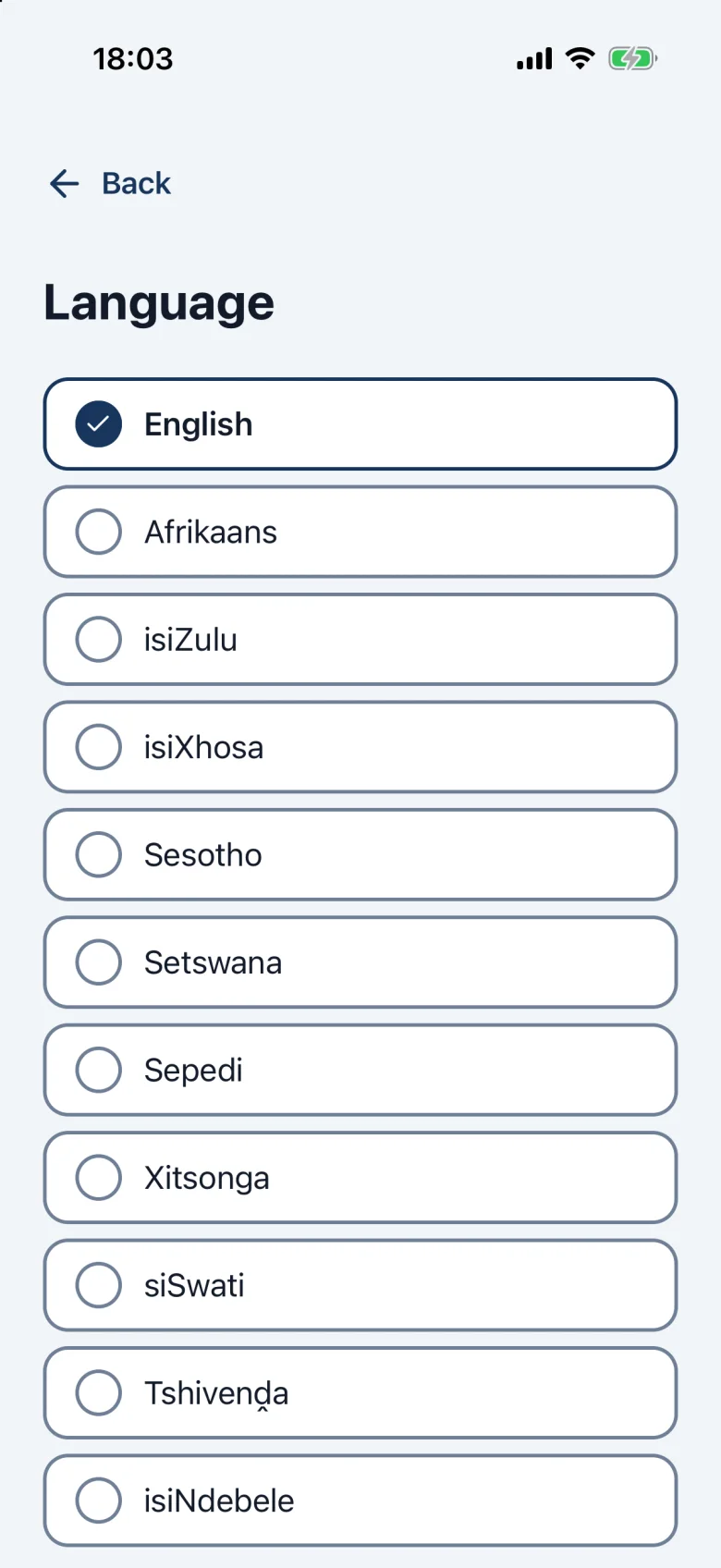
The Werkwys Worker app as it is, linked to the Botha Bouers demonstration company.
A place to start the day
Put the check-in point where the work begins.
Create a check-in point for the site gate or office and print its sign. Workers scan the code in the Worker app when they check in.
- A sign for your site
- Keep the company and check-in point visible, with the instructions beside the code.
- Location at the moment of the check
- The phone reads its location when the worker checks in or out. The app does not follow the worker in the background.
No signal. Still recorded.
Check-ins and task updates stay on the phone and send when signal returns. The worker can see what is waiting to be sent.
Help stays close.
A place to call the team leader, change text size and choose the app’s language. Clear controls for the person doing the work.
Back in the main app
A simple check-in. A useful record.
The office sees the clockings alongside the rest of the site’s attendance. Review the day, follow up questions and draft the timesheets.
- Who is on site
- See the worker, time and how each clocking was made.
- Review before pay
- The clocking is the start of the record. Timesheets and pay runs remain in the main Werkwys app.
Good work starts here
Make the next day clearer.
Try Werkwys for 30 days, with up to 15 workers and 30 slips.